 gesher
The SSH client, rebuilt for how you work now.
Gesher is a modern terminal and SSH client for Windows. Saved clients, a tab per server, two-pane file transfers, your team's roles and the AI you already use, in one calm window.
גשר · Gesher means bridge in Hebrew: from your computer to every server you run.

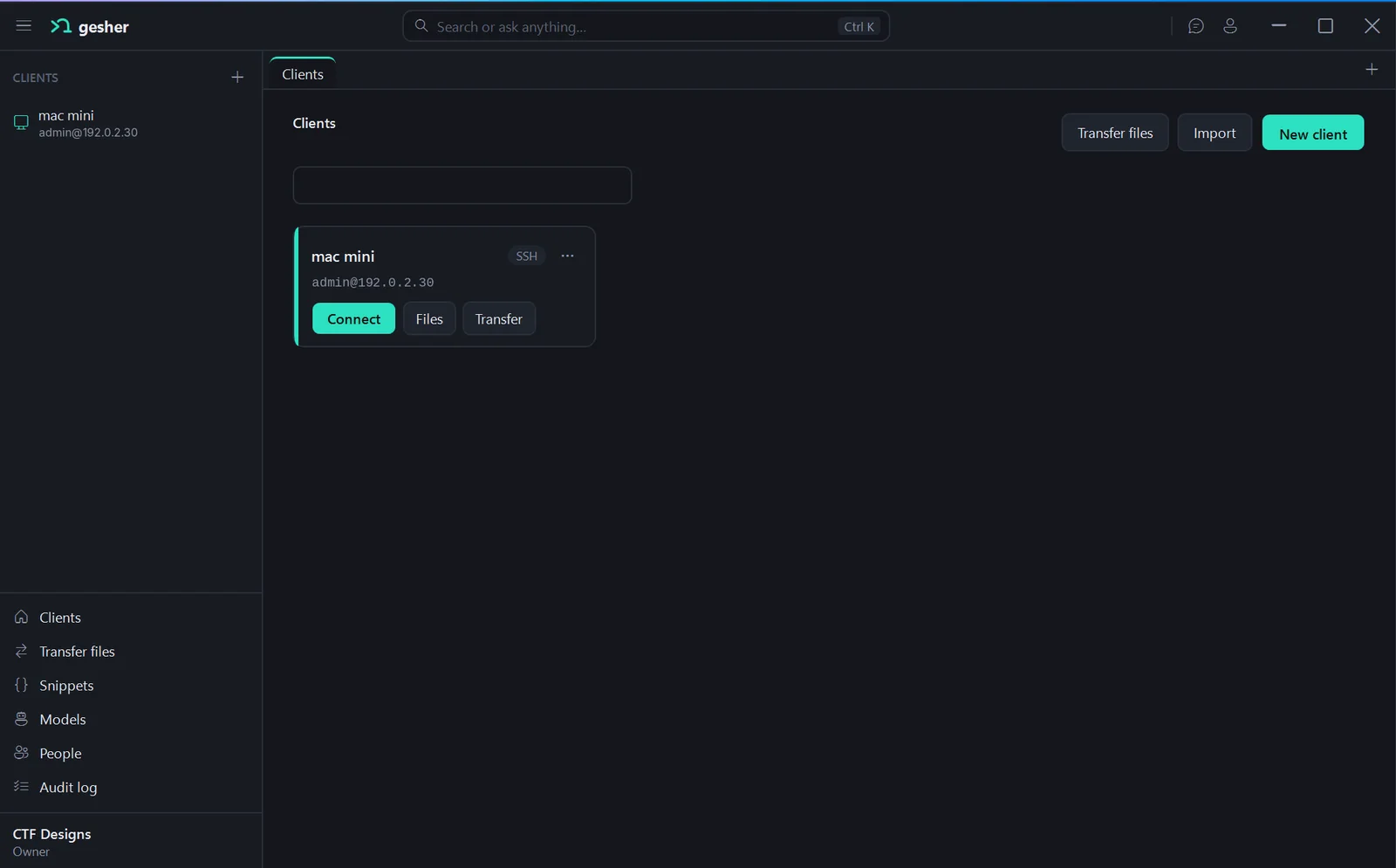
Everything you reach for in a day of servers
The parts of a classic SSH client people rely on, in a cleaner window, plus the things they've always had to open another app for.
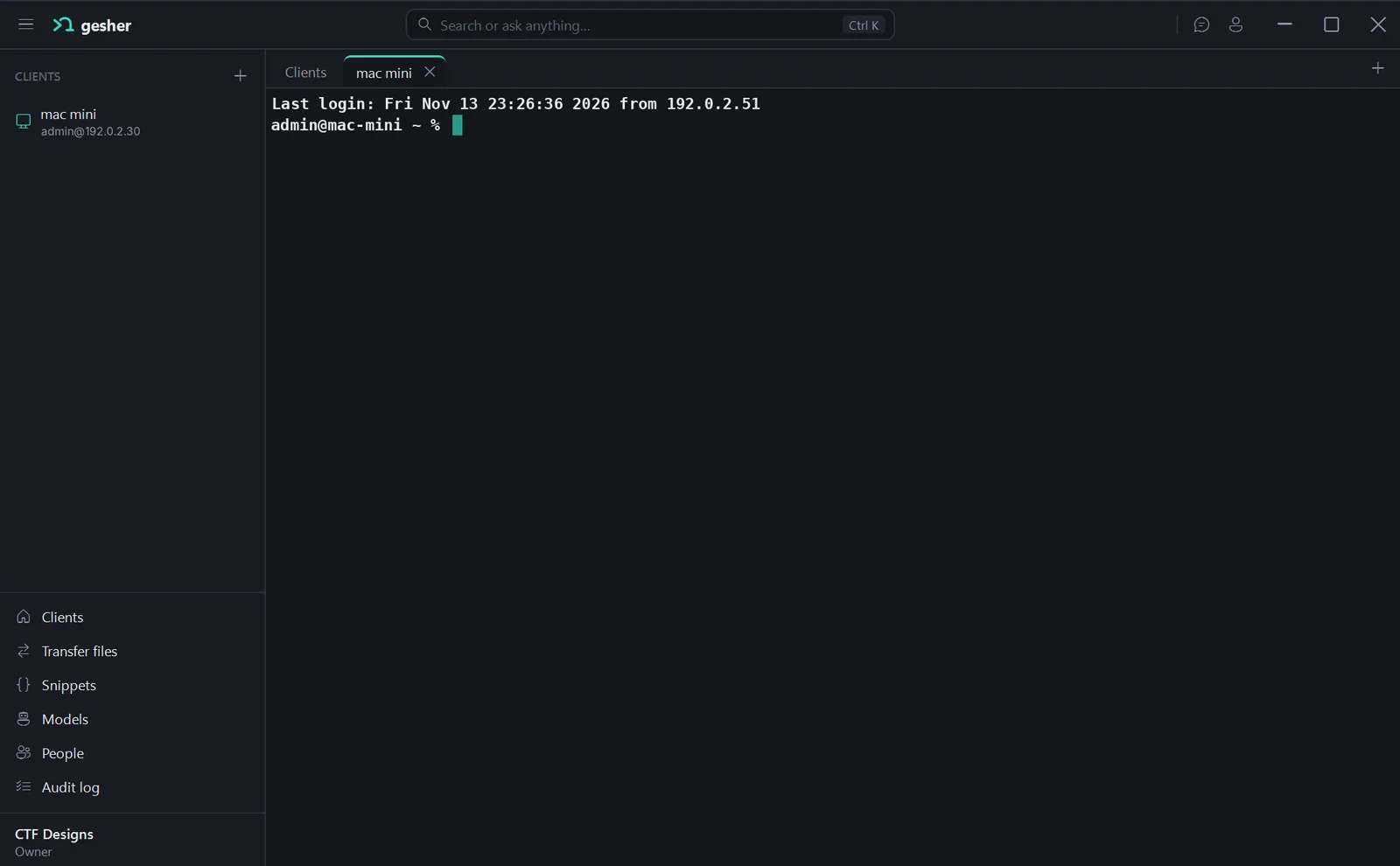
A tab for every client
Each connection opens in its own tab, with a tab colour you pick, so production and your home lab never blur together.
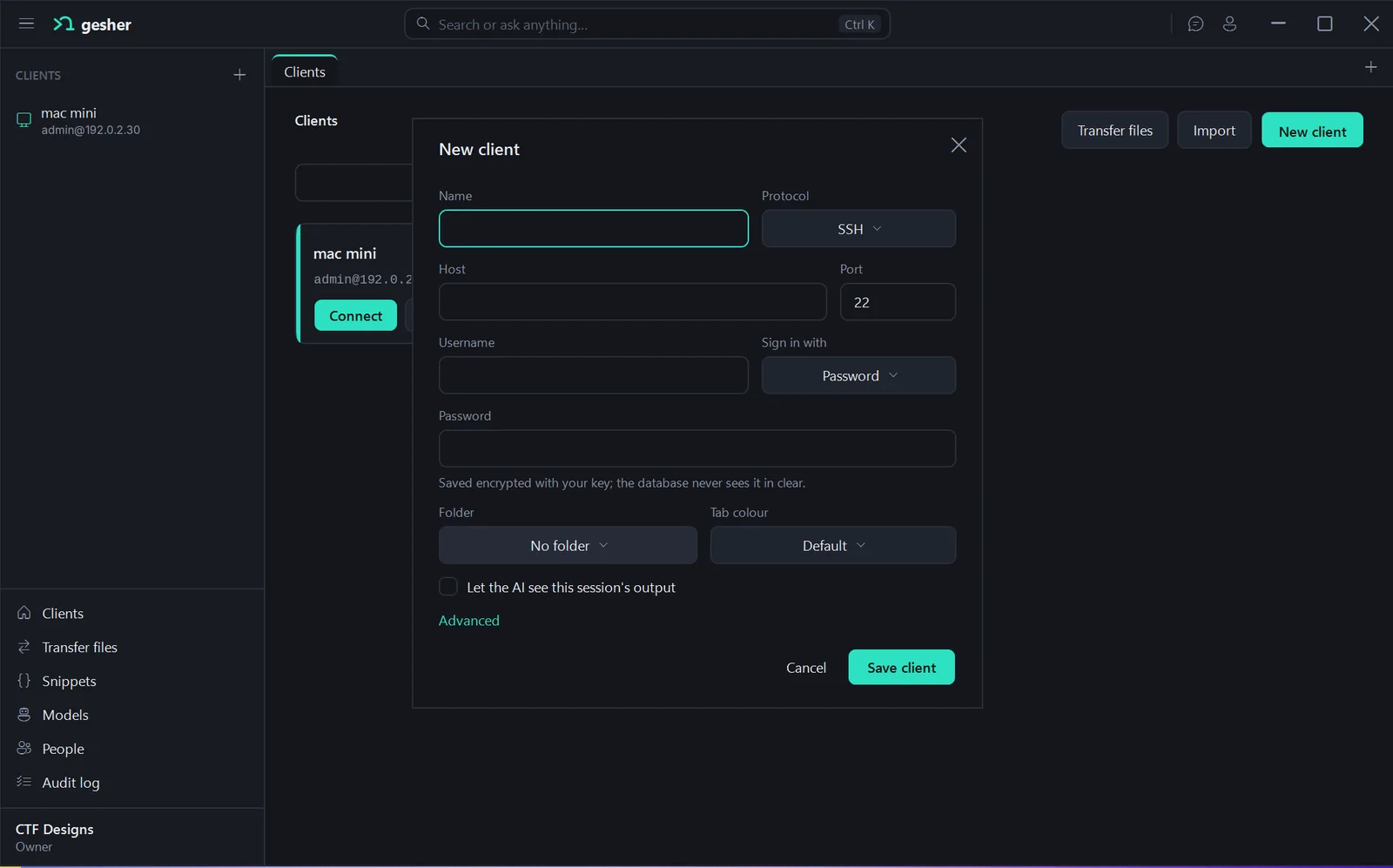
Saved clients
Name a server once with its host, port, user and sign-in, file it in a folder, and connect in one click. Import the ones you already have.
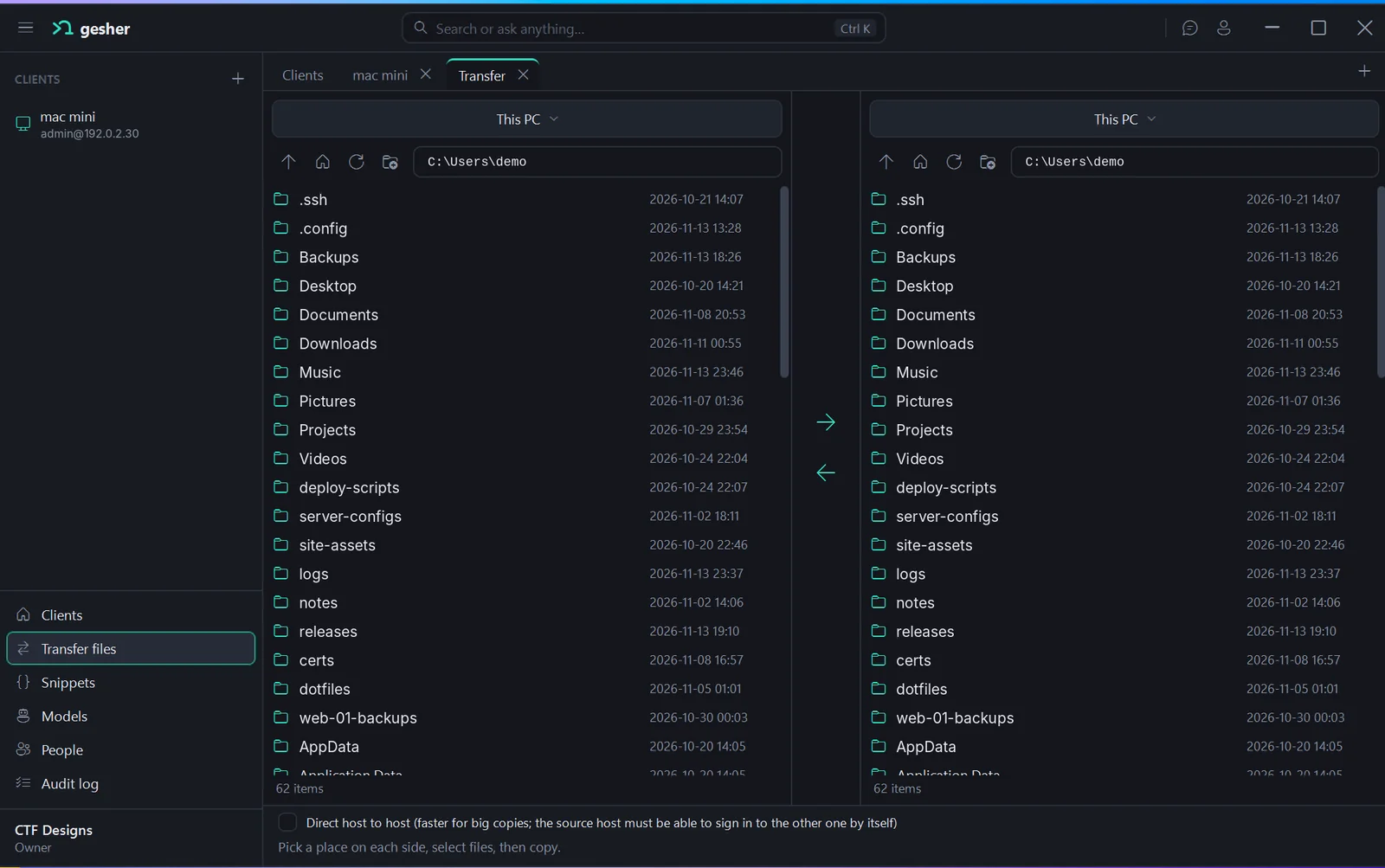
Files and transfers
Browse files next to the terminal, or open Transfer for two panes side by side. Big copies can go straight from one host to the other.
Passwords stay encrypted
Saved passwords are encrypted with your key before they're stored. The database never sees them in clear.
Search or ask anything
Press Ctrl K for one bar that finds clients and settings, or asks the AI what you need done.
Bring your own AI
Connect the AI you already use on the Models page: a Claude or ChatGPT subscription, an API key, or a model you run yourself.
Snippets and autocomplete
Save the commands you run all the time as snippets, with Visual Studio style suggestions as you type.
People, roles and an audit log
Invite your team, give each person a role, decide who can use which client, and see who did what in the audit log.
Your own PostgreSQL
Gesher keeps its data in a real PostgreSQL database that you run, so a team can share one set of clients and rules.
A look inside
From the current build. Hosts, users and folders are example data.
Two levels of help at the prompt
One works on your computer with no AI at all. The other uses the AI you connect, only when you want it.
Helps you write the command
Suggests commands, flags and paths as you type, tells you when a command is missing something it needs, and points you to the right tool, like grep to search inside files or cat to print one.
$ tar -czf
needs: archive name, then files to add
e.g. tar -czf backup.tar.gz ./site
Writes the command for you
Describe the goal in the bar on top or at the prompt, and the AI offers a command that fits the server you're on. It lands in your prompt for you to read, change or throw away.
ask: find files over 1 GB in /srv
$ sudo find /srv -type f -size +1G -exec ls -lh {} +
Press Enter to run, Esc to dismiss
Your servers are your business
Gesher has no cloud of its own. There's nothing for us to see.
Clients and passwords
In your own PostgreSQL, encrypted with your key
Saved clients, settings, snippets and the audit log live in the database you run. Passwords are encrypted before they're stored, so the database never sees them in clear.
AI
Straight to the provider you pick, only when you let it
The app talks directly to your AI provider with your own key or account. It sees a session's output only on clients where you turned that on.
Gesher's servers
There aren't any
The app doesn't send us your commands, output, files or usage. This website sets no cookies.
- telemetry
- ads
- tracking
- middleman for AI
- Gesher cloud
Windows first, then macOS and Linux
Gesher is in development. The download will be on this page when it's ready.